Forms are essential for every website, helping businesses collect leads, inquiries, registrations, feedback, and customer data.
If you’re using Elementor Pro, you already have access to the powerful Elementor Form widget, which allows you to create and manage forms directly within the Elementor editor.
However, many website owners assume they need a separate WordPress form builder plugin to create advanced forms.
In reality, replacing Elementor Forms isn’t always necessary. The native Elementor Form widget offers a solid foundation with built-in fields, design integration, and marketing tool connections.
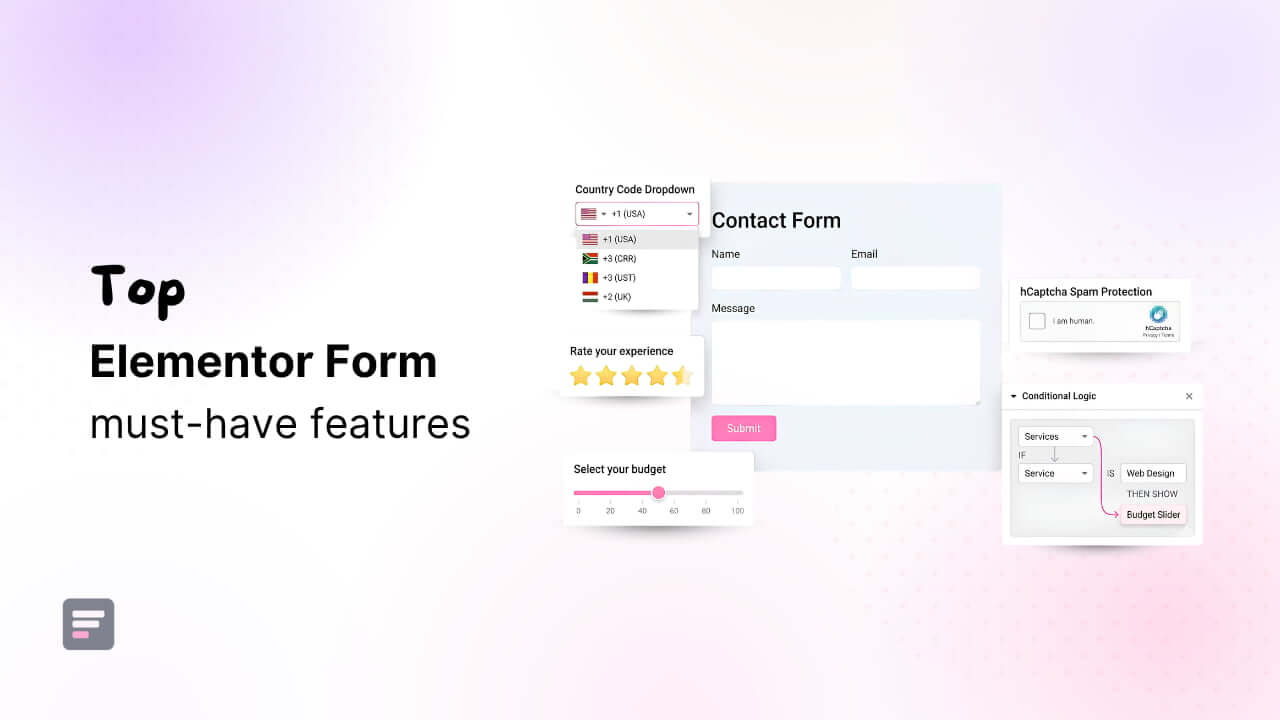
The challenge arises when you need advanced fields and functionalities such as conditional logic, calculator forms, rating fields, custom validation, spam protection, or dynamic user experiences.
But, instead of switching to another form builder and learning a new workflow for new fields, you can enhance the existing Elementor Form widget using Cool FormKit.
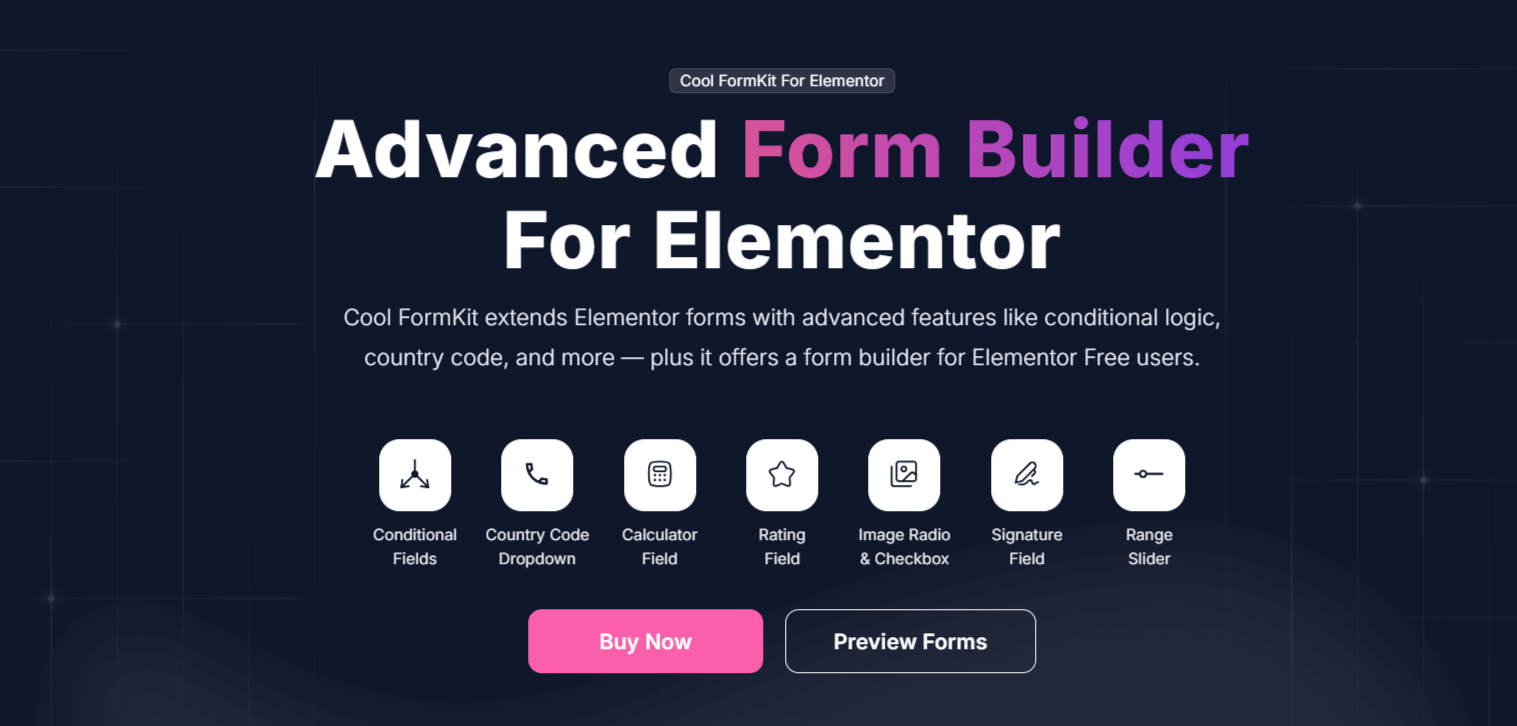
In this guide, we’ll explore the capabilities of Elementor Forms and introduce Cool FormKit, an advanced form builder solution that transforms Elementor Forms into a complete, feature-rich form creation platform.
Introducing Cool FormKit
While Elementor Forms provides an excellent way to build basic forms, but it lacks advanced functionalities.
Features such as conditional logic, calculator forms, rating systems, custom input fields, advanced validation, and enhanced spam protection are often missing from the default Elementor Form widget.
This is where Cool FormKit comes in.
Elementor Form Builder
Extend Elementor Pro Forms with powerful fields, smart logic, calculations, security features, & more.
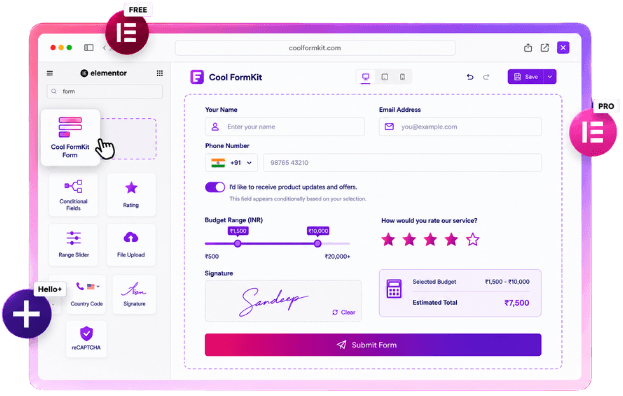
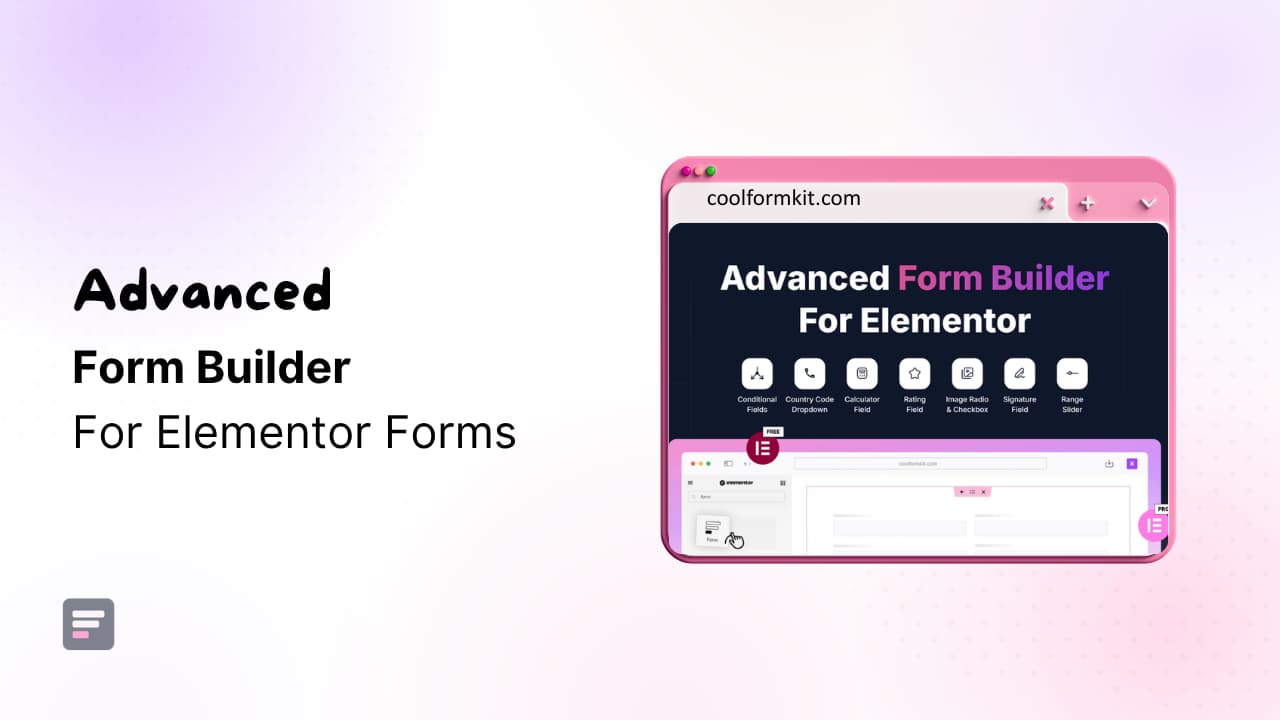
Cool FormKit is a powerful Elementor addon designed to extend the capabilities of Elementor Forms without requiring you to switch to a separate form builder plugin.
It easily integrates with the native Elementor Form widget and adds a wide range of advanced form features, helping you create more interactive, dynamic, and user-friendly forms directly within Elementor.
One of the biggest advantages of Cool FormKit is its flexibility.
If you’re using Elementor Pro, it enhances the existing Form widget with advanced fields, conditional functionality, and powerful integrations.
However, for Elementor Free users, Cool FormKit includes a dedicated Form widget, allowing users to build forms without upgrading to Elementor Pro.
Or if you are using Hello Plus to build forms in Elementor Free, Cool FormKit extends form using advanced features and functionalities.
Key Features of Cool FormKit
Cool FormKit goes far beyond the standard Elementor Form widget by introducing advanced form fields, conditional functionality, security enhancements, and user experience improvements.
Some of its most powerful features include:
Conditional Logic & Automation
| Feature Name | Description |
| Conditional Logic for Elementor Form | Show or hide form fields dynamically based on user selections and input values. |
| Conditional Redirect | Redirect users to different pages after submission based on predefined conditions. |
| Conditional Emails on Form Submission | Send personalized email notifications automatically according to form responses and conditions. |
| Conditional Mailchimp | Add subscribers to specific Mailchimp audiences based on selected form options. |
| WhatsApp Redirect on Form Submission | Redirect users to WhatsApp instantly after successful form submission. |
| Conditional Submit Button | Enable or disable the submit button based on custom form conditions. |
| Confirm Dialog Box | Display a confirmation popup before users submit the form. |
Advanced Form Fields
| Feature Name | Description |
| Country Code Dropdown for Phone Field | Add international country code selection to phone number fields. |
| Country & State Field | Add pre-built country and state dropdowns for accurate address collection. |
| Signature Field | Allow users to draw and submit digital signatures within forms. |
| Toggle Field | Add modern toggle switches for yes/no and preference selections. |
| Image Radio Buttons | Let users choose options visually using images instead of radio buttons. |
| Currency Field | Collect monetary values with automatic currency symbols and formatting. |
| Select2 Field | Enhance dropdown fields with search, multi-select, and improved usability. |
| WYSIWYG Field | Allow rich text formatting and content editing directly inside forms. |
| Month/Week Field | Enable selection of specific months or weeks from Elementor forms. |
| Rating Field | Gather ratings, reviews, and feedback using customizable star rating fields. Add pre-built country and state dropdowns for accurate address collection. |
| Range Slider Field | Collect numerical values using interactive sliders for better user experience. |
| Restrict Date Field | Limit date selection by disabling specific dates or date ranges. |
| Input Mask for Elementor Form | Enforce predefined input formats for phone numbers, dates, and IDs. |
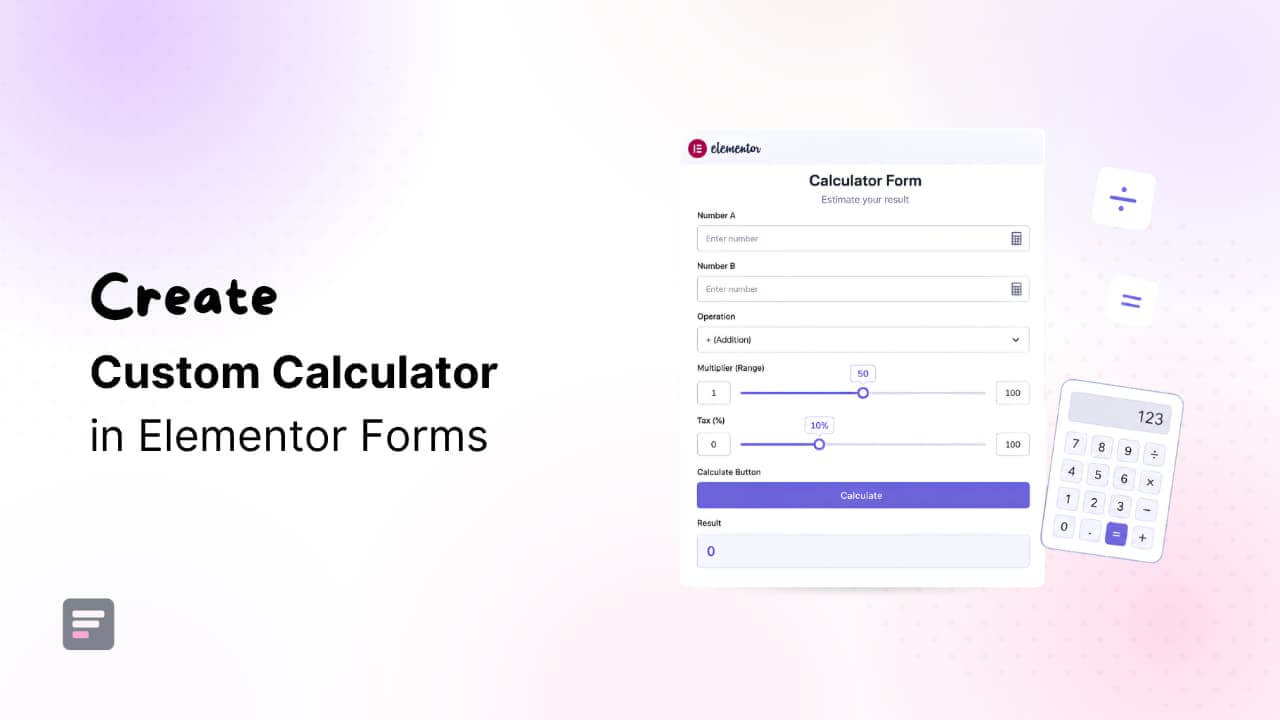
| Calculator for Elementor | Create interactive calculators for pricing, quotes, BMI, EMI, and more. |
Form Styling & Security
| Feature Name | Description |
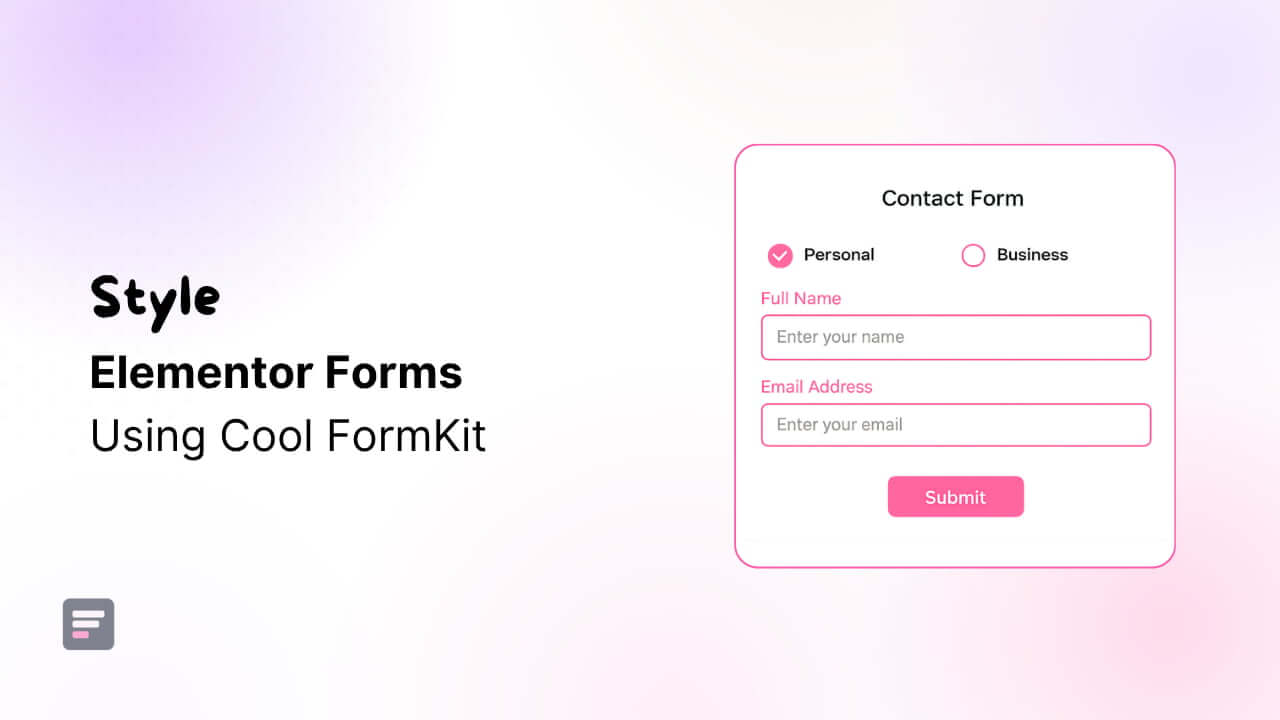
| Label Styler | Customize form labels with advanced typography, colors, and spacing controls. |
| Checkbox & Radio Styles | Style checkboxes and radio buttons to match your website design. |
| Cloudflare Turnstile | Protect forms from spam bots with user-friendly Cloudflare Turnstile verification. |
| hCAPTCHA for Elementor Form | Secure forms against spam and automated submissions using hCAPTCHA. |
| Google reCAPTCHA for Elementor Form | Prevent spam submissions with Google’s trusted reCAPTCHA protection system. |
Conclusion
Elementor Forms are powerful, but they become even more effective when enhanced with Cool FormKit.
Instead of switching to a separate form builder, you can upgrade existing forms with conditional logic, calculators, advanced fields, and spam protection.
Cool FormKit helps you build smarter, more interactive, and conversion-focused Elementor forms while maintaining simplicity and design consistency.
So, get started with Cool FormKit today to unlock advanced Elementor form features and create high-converting, dynamic forms effortlessly.
Frequently Asked Questions (FAQs)
What is Cool FormKit for Elementor?
Cool FormKit is an advanced Elementor addon that extends the functionality of Elementor Forms. It adds powerful features such as conditional logic, calculator forms, rating fields, signature fields, spam protection, custom validation, and advanced form styling without requiring a separate WordPress form builder plugin.
Do I need Elementor Pro to use Cool FormKit?
No. Cool FormKit works with Elementor Pro by enhancing the native Elementor Form widget. It also includes its own Form widget for Elementor Free users, allowing them to create forms without upgrading to Elementor Pro.
Can I create conditional forms with Cool FormKit?
Yes. Cool FormKit includes advanced conditional logic features that allow you to show or hide fields, send conditional emails, perform conditional redirects, enable conditional Mailchimp subscriptions, and control form behavior based on user input.
Can I build calculator forms in Elementor?
Absolutely. Cool FormKit includes a Calculator field for Elementor Forms that allows you to create pricing calculators, EMI calculators, BMI calculators, quotation forms, cost estimators, and other calculation-based forms directly within Elementor.
How does Cool FormKit help prevent spam submissions?
Cool FormKit supports multiple spam protection methods, including Cloudflare Turnstile, Google reCAPTCHA, and hCAPTCHA. These integrations help block bots and spam submissions while maintaining a smooth user experience.
Does Cool FormKit support digital signatures?
Yes. The Signature Field allows users to draw and submit digital signatures directly within Elementor forms, making it ideal for agreements, consent forms, registrations, and approval workflows.
Can I collect international phone numbers with Cool FormKit?
Yes. Cool FormKit includes a Country Code Dropdown in Elementor Forms, making it easier to collect accurate international phone numbers from users worldwide.
What types of forms can I create with Cool FormKit?
You can create contact forms, lead generation forms, feedback forms, booking forms, survey forms, quotation forms, registration forms, calculator forms, application forms, and many other advanced Elementor forms using Cool FormKit.