
Automatically save Elementor form submissions to Google Sheets or WordPress post types in real time, without any manual effort.
Active Installs
Reviews on WP.org
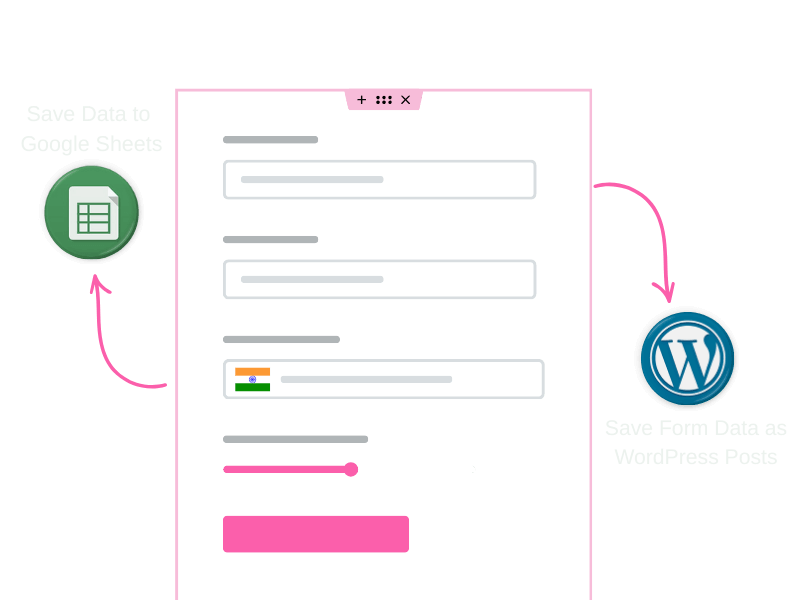
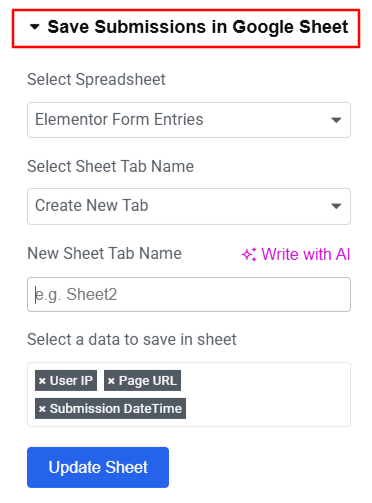
Automatically sync Elementor form submissions to Google Sheets in real time for easy access, tracking, and data management.
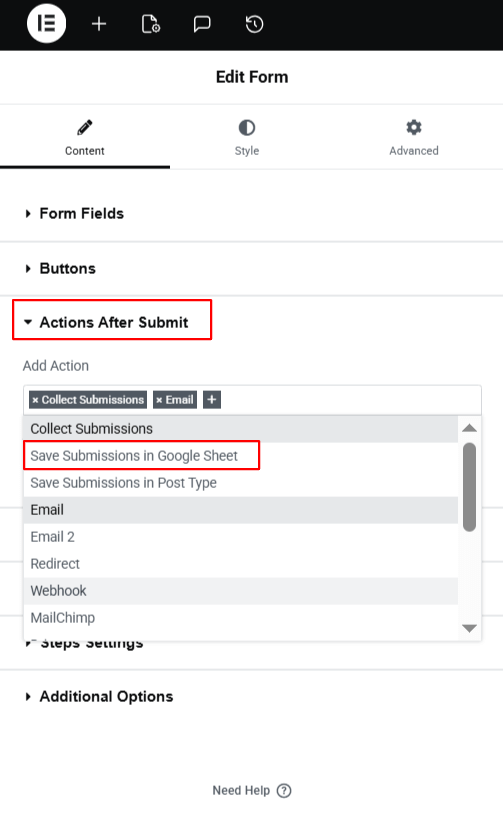
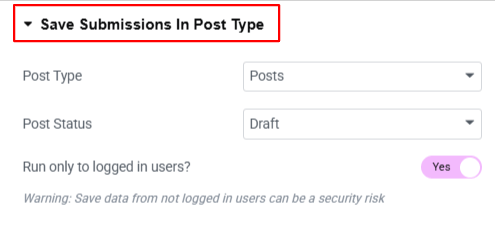

Save Elementor form submissions directly as WordPress post types, making data manageable inside your website dashboard.
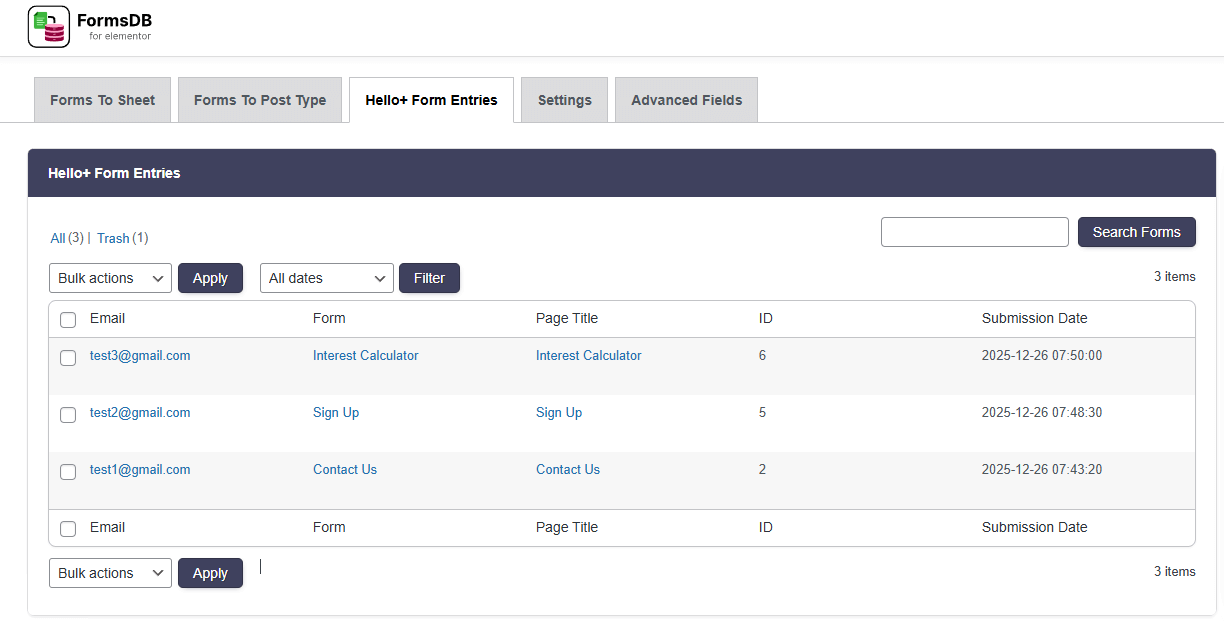
Fully compatible with Elementor Hello Plus Form Lite, allowing users to use FormsDB without requiring Elementor Pro.
Our WordPress plugins are trusted for their quality, compatibility and excellent customer support.


 Great plugin – this is actually a must have if you use elementor forms
 The right plugin! Finally there is a plugin for collecting mail. Thanks for him!
 Great plugin! Congratulations to the developer. Thank you so much!
 A must-have for anybody using Elementor. Easy to use and does exactly what is required.


FormsDB for Elementor Forms automatically saves Elementor form submissions to Google Sheets or WordPress post types in real time, keeping your data organized and accessible.
No. FormsDB works with From Lite available in Hello Plus and does not require Elementor Pro, allowing you to save form submissions without upgrading.
Yes. You must generate a Google API authentication token from the Google Cloud Console to securely connect Elementor Forms with Google Sheets.
Yes. Once connected via a Google API authentication token, every new form submission is instantly saved as a new row in your selected Google Sheet.
You need to enable both the Google Drive API and Google Sheets API in the Google Cloud Console for proper data syncing.
Yes. FormsDB allows you to select specific form fields and map them to your Google Sheet before saving the submissions.
Yes. FormsDB can save form entries to WordPress Posts, Pages, or any other custom post types using the “Save Submissions in Post Type” action.
Yes. FormsDB saves submissions instantly to Google Sheets or WordPress as soon as the form is submitted.
Yes. You can connect multiple Elementor forms and choose different Google Sheets or post types for each form.

Offer
ends in:
SUPER SALE
off

Upto
OFF

Ends in