
Cool FormKit » Features » WYSIWYG Field
Share it:

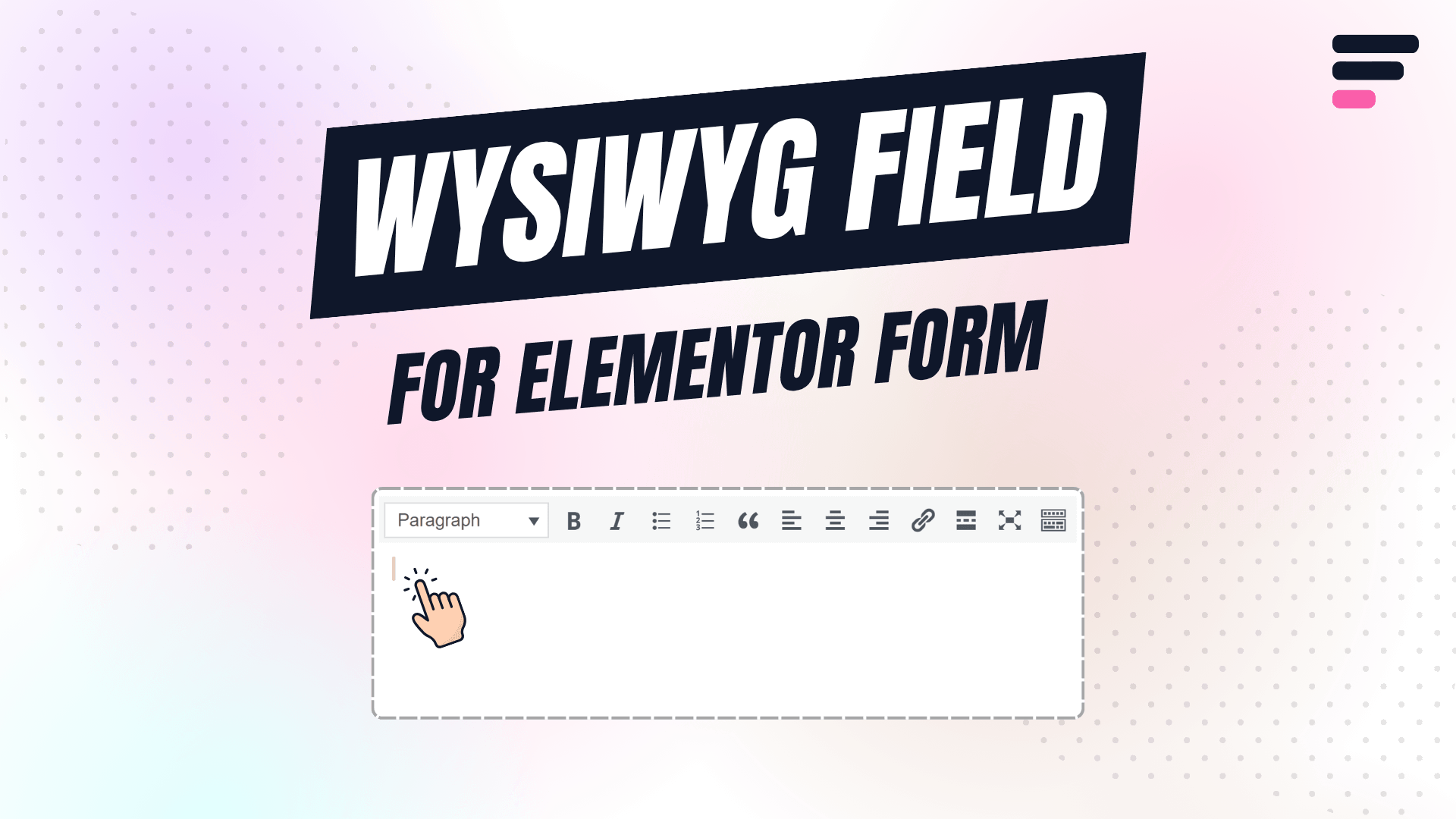
Want to add a WYSIWYG editor in your Elementor form?
The Cool FormKit plugin makes it easy to add a rich text editor field where users can format content with bold text, links, bullet points, and more — just like Word or Google Docs!
It works with:
No Elementor Pro? No problem! Just install Cool FormKit and start building advanced forms with powerful fields like WYSIWYG Editor today.
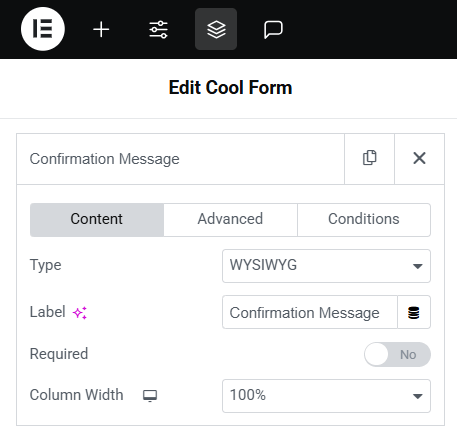
The WYSIWYG Field in Cool FormKit gives you full control with flexible settings inside Elementor’s form widget. You can easily add rich editor, all with a few clicks.
In the Elementor editor, select your form → Add a new field → Choose “WYSIWYG” from the Field Type dropdown

 This plugin is easy to use and does what it has to do. Most important: The support is quick and solve your issues!
 It’s a nice plugin, easy to install and very good support, even for free version, my questions are answered!
 Excellent plugin very easy to use and extremely fast response to my support email, would highly recommend
 Great software and friendly service. They helped me very quickly solve an issue I created myself. Highly recommend.
 Thank you so much! Great plugin! It make my whole website very cool! Also great service!
 The plugins are excellent and their customer support is also quick and friendly
 Good quality program.
You can saving many time.
And good support team.!
Very quickly support fix problem and very kindly
Good quality program.
You can saving many time.
And good support team.!
Very quickly support fix problem and very kindly
Use Cool FormKit to add a powerful WYSIWYG editor in Elementor forms — along with 20+ other advanced fields & features.
We want you to love our plugins. If it’s not the right fit, you’re covered by our 14-day money-back guarantee.


Offer
ends in:
SUPER SALE
off

Upto
OFF

Ends in
 Read
Read